
 Example of the Wedding style
Men · Professional · “Wedding” style
AI Tuxedo Portrait for Men
Black tie, a white boutonnière and crystal chandeliers glowing behind you: this is your formal portrait for the big occasion. Use it for a wedding website, a gala program or just to see yourself in a perfectly fitted tuxedo.
Best for
- Wedding websites and save-the-dates
- Gala, award and charity event programs
- Groomsman and best man portraits
- Formal social media posts
2 HD photos per style · $1.49 per photo on the web, no subscription · ready in minutes
What the Wedding style looks like
Your face comes from your selfies. Everything else — clothes, location and light — is created by HeyPhoto's AI to match this look.
Outfit
Black peak-lapel tuxedo, crisp white shirt, black bow tie and a fresh white boutonnière.
Setting
A grand ballroom with crystal chandeliers, softly out of focus.
Lighting
Warm tungsten ambient light, like an evening reception.
Expression
Distinguished and confident.
How to get an AI tuxedo portrait from your selfies
- 01
Upload 3 selfies
One straight-on and two at a slight angle, taken in good light. Ordinary phone selfies are perfect — no studio or photographer needed.
- 02
Choose “Wedding”
In the style picker, tap Male › Professional › Wedding. Optionally fine-tune hairstyle, glasses or age, and add any other styles you like — each one gives you 2 photos.
- 03
Download your tuxedo portrait
Your HD photos are ready in a few minutes. Download them and use them anywhere — they're yours to keep, with no watermark.
Selfie tips for an evening or formal portrait
For the Wedding style
For a formal portrait, use selfies with neat, groomed hair — the tuxedo is added for you, but your hairstyle comes from your photos.
- Take your selfies in daylight even though the portrait is set in the evening — the AI needs a clear view of your face.
- Style your hair the way you'd wear it to an event; the AI keeps your hairstyle from the photos.
- Remove sunglasses and hats; everyday glasses are fine.
- A relaxed, confident smile reads best in formal settings.
Tuxedo Portrait FAQ
Can I use this tuxedo portrait for my wedding website?
Yes. This style gives you a polished black-tie portrait — tuxedo, bow tie and boutonnière in a chandelier-lit ballroom — that works well on a wedding website, an invitation or a "meet the couple" page. Pair it with the women's Wedding style for a matching set.
How do I get the Wedding style?
Download HeyPhoto from the App Store or use it on the web. Upload 3 selfies, then choose Male › Professional › Wedding in the style picker. Each style gives you 2 HD photos (on the web it's $1.49 per photo, no subscription), and you can add as many other styles to the same order as you like.
Can I use this for an invitation or event page?
Yes — the photos are yours to use on invitations, event pages, programs and social media.
Will my tuxedo portrait still look like me?
That's the point of HeyPhoto. Your face shape, features and skin tone come from your selfies — only the outfit, background, lighting and pose change. If a result doesn't look like you, report it and you can get a free regeneration.
Is the outfit generated, or do I need to wear it?
It's generated. The outfit, setting and lighting are created by the AI around your face, so you don't need to own or rent formalwear.
What happens to my selfies?
They're sent over an encrypted connection and used only to generate your photos. Uploaded selfies are deleted from our processing servers after your order (usually within 24 hours, always within 30 days), and they're never used to train AI models. Details are in our Privacy Policy.
Similar styles for men
See all 96 styles →
Cocktail Bar Portrait
“Cocktail” style

Golden Hour Headshot
“Golden Hour” style

Soft Grey Headshot
“Soft Grey” style

Outdoor Headshot
“Natural” style

Warm Friendly Headshot
“Nurturing” style
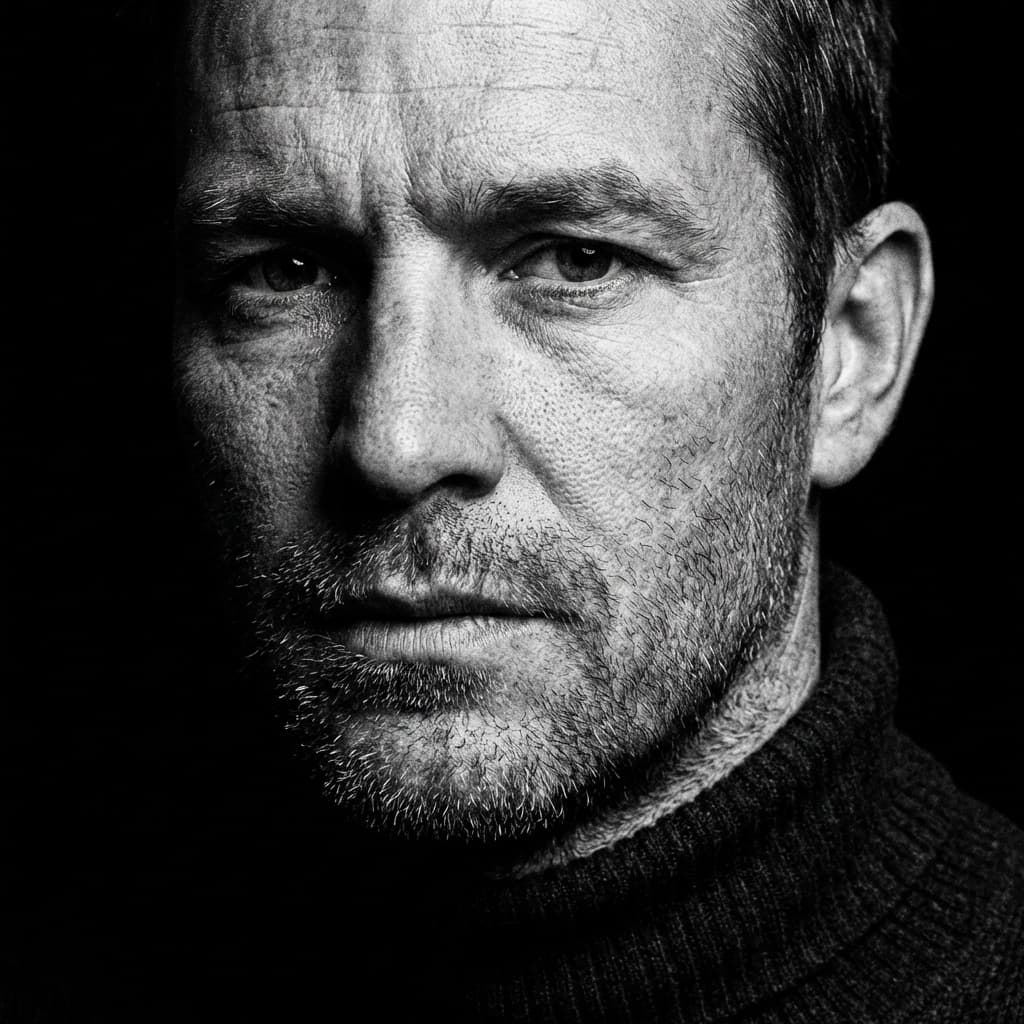
Black and White Headshot
“Monochrome” style
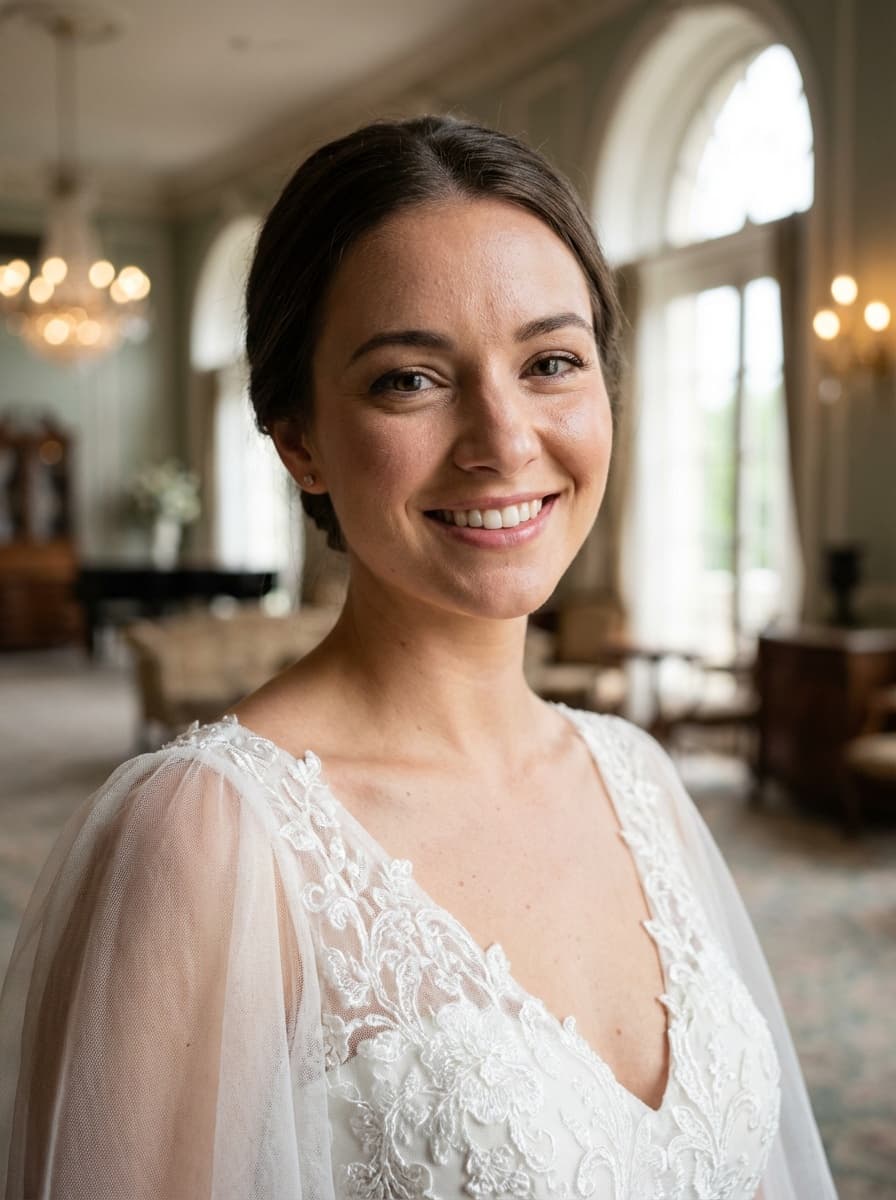
Also available for women
AI Bridal Portrait for Women
Get your tuxedo portrait in minutes
Three selfies in, studio-quality portraits out. Use HeyPhoto on your iPhone or right here in your browser.