
 Example of the Golden Hour style
Men · Professional · “Golden Hour” style
AI Golden Hour Headshot for Men
Photographers wait all day for this light: the setting sun behind you, a warm amber glow around your shoulders and soft fill on your face. This style recreates a sunset meadow shoot, giving you a warm, cinematic headshot without the location scouting.
Best for
- Personal brand and About pages
- Coaches and creative freelancers
- Dating and social profiles
- Wedding and event vendor bios
2 HD photos per style · $1.49 per photo on the web, no subscription · ready in minutes
What the Golden Hour style looks like
Your face comes from your selfies. Everything else — clothes, location and light — is created by HeyPhoto's AI to match this look.
Outfit
Light-grey blazer over a white shirt open at the collar.
Setting
An open meadow with trees on the horizon at sunset.
Lighting
Warm amber rim light from the setting sun behind you, with soft warm fill on the face.
Expression
A relaxed, genuine smile.
How to get an AI golden hour headshot from your selfies
- 01
Upload 3 selfies
One straight-on and two at a slight angle, taken in good light. Ordinary phone selfies are perfect — no studio or photographer needed.
- 02
Choose “Golden Hour”
In the style picker, tap Male › Professional › Golden Hour. Optionally fine-tune hairstyle, glasses or age, and add any other styles you like — each one gives you 2 photos.
- 03
Download your golden hour headshot
Your HD photos are ready in a few minutes. Download them and use them anywhere — they're yours to keep, with no watermark.
Selfie tips for a natural-light portrait
For the Golden Hour style
Backlit portraits rely on a clean outline of your head and shoulders. Use selfies with your hair as you normally wear it, so the rim light looks natural around it.
- Take your selfies outside or by an open window — natural light matches natural-light results.
- Avoid harsh midday sun on your face; open shade gives the softest reference.
- No sunglasses or caps: the AI needs to see your eyes and hairline.
- Include at least one genuine smile — outdoor portraits look best relaxed.
Golden Hour Headshot FAQ
What is a golden hour headshot?
It's a portrait taken in the hour before sunset, when the sun is low and warm. The light outlines your hair and shoulders with a golden glow and keeps skin tones soft. HeyPhoto recreates that look from your selfies, so you don't have to time a shoot to the weather.
How do I get the Golden Hour style?
Download HeyPhoto from the App Store or use it on the web. Upload 3 selfies, then choose Male › Professional › Golden Hour in the style picker. Each style gives you 2 HD photos (on the web it's $1.49 per photo, no subscription), and you can add as many other styles to the same order as you like.
Do I need to go outside for this photo?
No. The location is generated around you, so three clear selfies are all you need. Daylight selfies simply make your skin tone look most natural in an outdoor golden hour headshot.
Will my golden hour headshot still look like me?
That's the point of HeyPhoto. Your face shape, features and skin tone come from your selfies — only the outfit, background, lighting and pose change. If a result doesn't look like you, report it and you can get a free regeneration.
Will the background be in focus?
It's softly blurred, like a portrait lens on location, so the setting adds atmosphere while your face stays sharp.
What happens to my selfies?
They're sent over an encrypted connection and used only to generate your photos. Uploaded selfies are deleted from our processing servers after your order (usually within 24 hours, always within 30 days), and they're never used to train AI models. Details are in our Privacy Policy.
Similar styles for men
See all 96 styles →
Outdoor Headshot
“Natural” style

Candid Street Headshot
“Dynamic” style

Greenery Background Headshot
“Flora” style

Urban City Headshot
“Big City” style
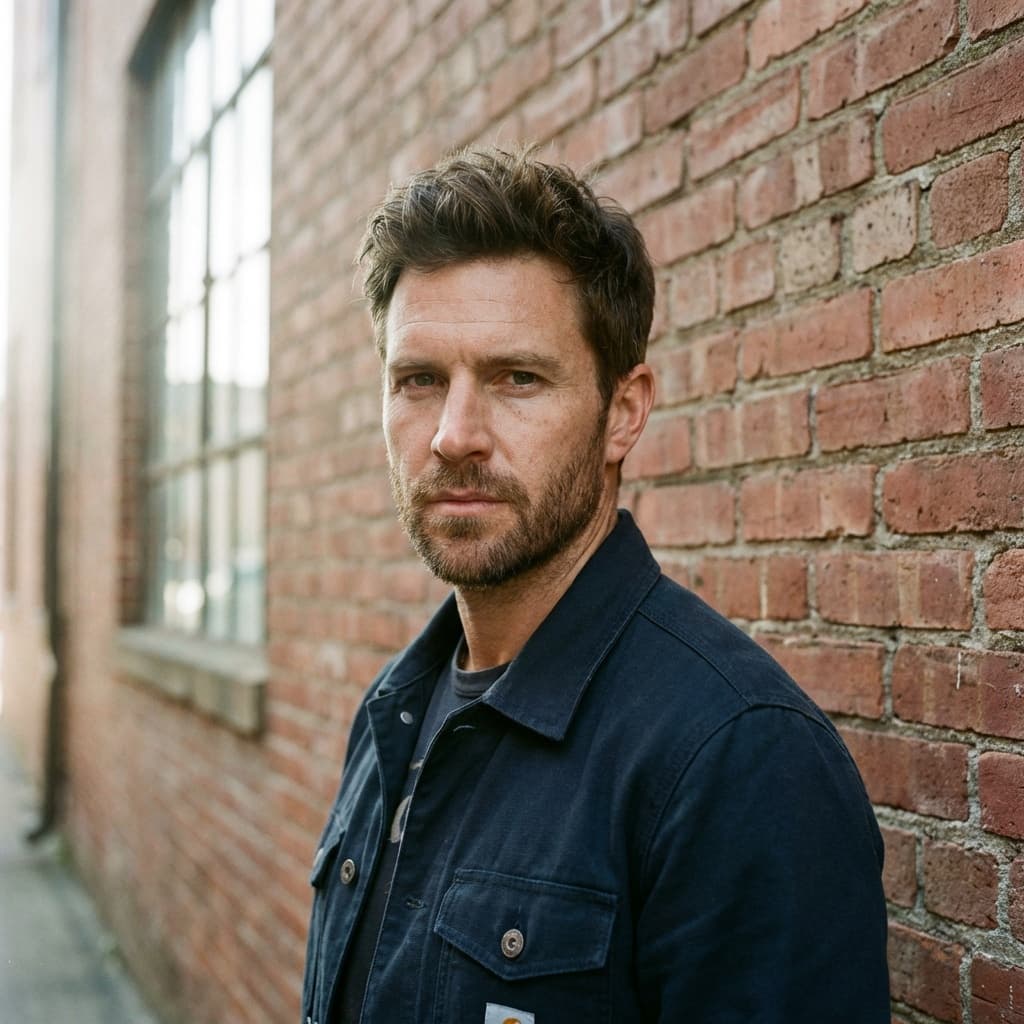
Brick Wall Headshot
“Brick Wall” style

Beach Portrait
“Sunlight” style

Also available for women
AI Golden Hour Headshot for Women
Get your golden hour headshot in minutes
Three selfies in, studio-quality headshots out. Use HeyPhoto on your iPhone or right here in your browser.