
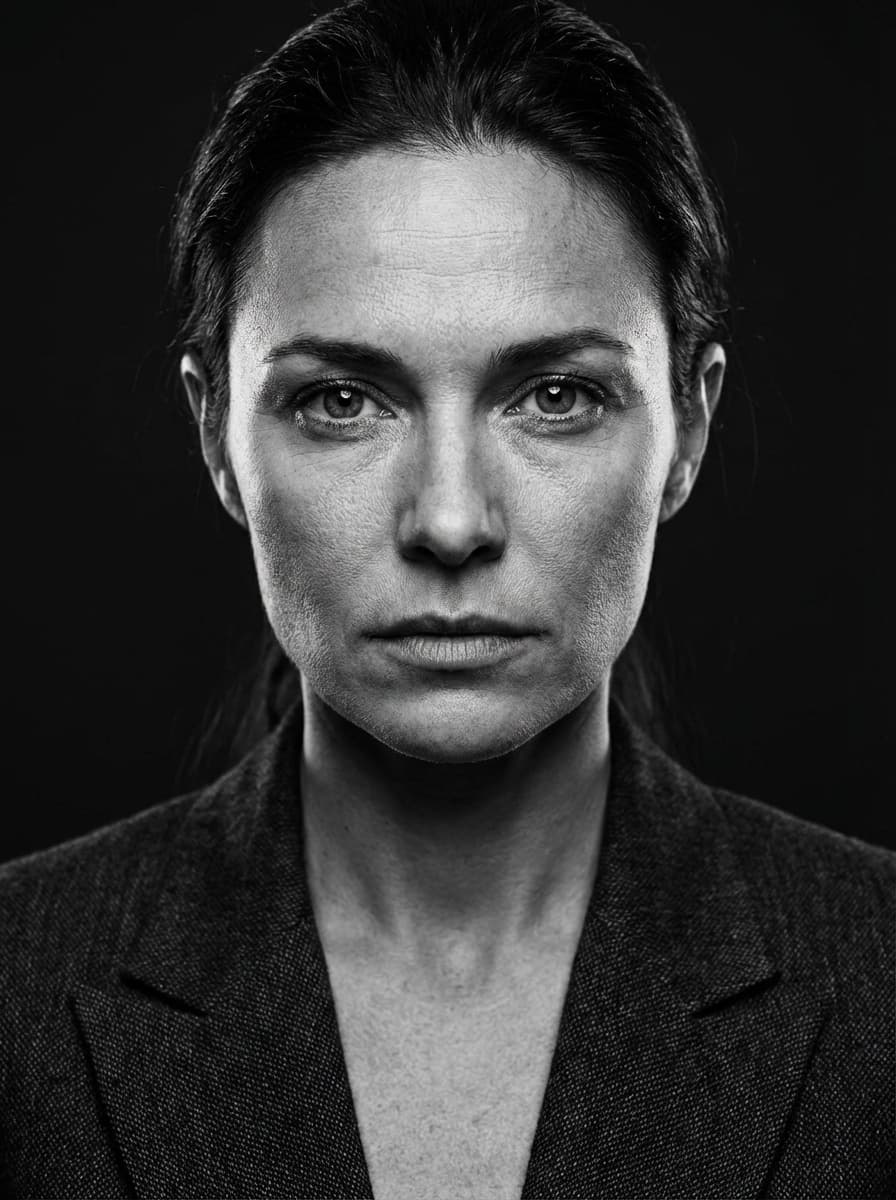
 Example of the Monochrome style
Women · Professional · “Monochrome” style
AI Black and White Headshot for Women
Hard, high-contrast light, a dark tweed blazer and a deep black backdrop, rendered entirely in black and white: a dramatic portrait with real presence. It's timeless and artistic — think book jackets, gallery bios and magazine features.
Best for
- Author and book jacket photos
- Artists, musicians and photographers
- Speaker and keynote materials
- Portfolio and personal brand sites
2 HD photos per style · $1.49 per photo on the web, no subscription · ready in minutes
What the Monochrome style looks like
Your face comes from your selfies. Everything else — clothes, location and light — is created by HeyPhoto's AI to match this look.
Outfit
A dark tweed blazer.
Setting
A deep black studio backdrop.
Lighting
Hard, high-contrast light from slightly to one side, with deep shadows; fully monochrome.
Expression
Intense and powerful.
How to get an AI black and white headshot from your selfies
- 01
Upload 3 selfies
One straight-on and two at a slight angle, taken in good light. Ordinary phone selfies are perfect — no studio or photographer needed.
- 02
Choose “Monochrome”
In the style picker, tap Female › Professional › Monochrome. Optionally fine-tune hairstyle, glasses or age, and add any other styles you like — each one gives you 2 photos.
- 03
Download your black and white headshot
Your HD photos are ready in a few minutes. Download them and use them anywhere — they're yours to keep, with no watermark.
Selfie tips for a clean studio headshot
For the Monochrome style
High contrast emphasizes detail. Use sharp, well-lit selfies without heavy filters so your features translate cleanly to black and white.
- Face a window in daylight — even, front-on light gives the AI the clearest view of your features.
- Stand in front of a plain wall; busy backgrounds make the edges of your hair harder to read.
- Take one straight-on photo and two with your head turned slightly to each side.
- Skip beauty filters and heavy edits so your real skin texture carries through.
Black and White Headshot FAQ
Should I choose black and white or color?
Color is safer for LinkedIn and corporate directories. Black and white is more artistic and timeless — ideal for authors, creatives and speakers. You can select both kinds of style in a single HeyPhoto order and decide later.
How do I get the Monochrome style?
Download HeyPhoto from the App Store or use it on the web. Upload 3 selfies, then choose Female › Professional › Monochrome in the style picker. Each style gives you 2 HD photos (on the web it's $1.49 per photo, no subscription), and you can add as many other styles to the same order as you like.
Do my selfies need a plain background?
No, but it helps. HeyPhoto replaces the background entirely; a plain wall just makes it easier for the AI to read the outline of your hair and shoulders, which gives cleaner edges in your black and white headshot.
Will my black and white headshot still look like me?
That's the point of HeyPhoto. Your face shape, features and skin tone come from your selfies — only the outfit, background, lighting and pose change. If a result doesn't look like you, report it and you can get a free regeneration.
Can I use this black and white headshot on LinkedIn?
Yes — a clean studio headshot is the most common LinkedIn format. You download HD images that crop neatly into LinkedIn's round frame, and they're yours to use on any profile, CV or website.
What happens to my selfies?
They're sent over an encrypted connection and used only to generate your photos. Uploaded selfies are deleted from our processing servers after your order (usually within 24 hours, always within 30 days), and they're never used to train AI models. Details are in our Privacy Policy.
Similar styles for women
See all 96 styles →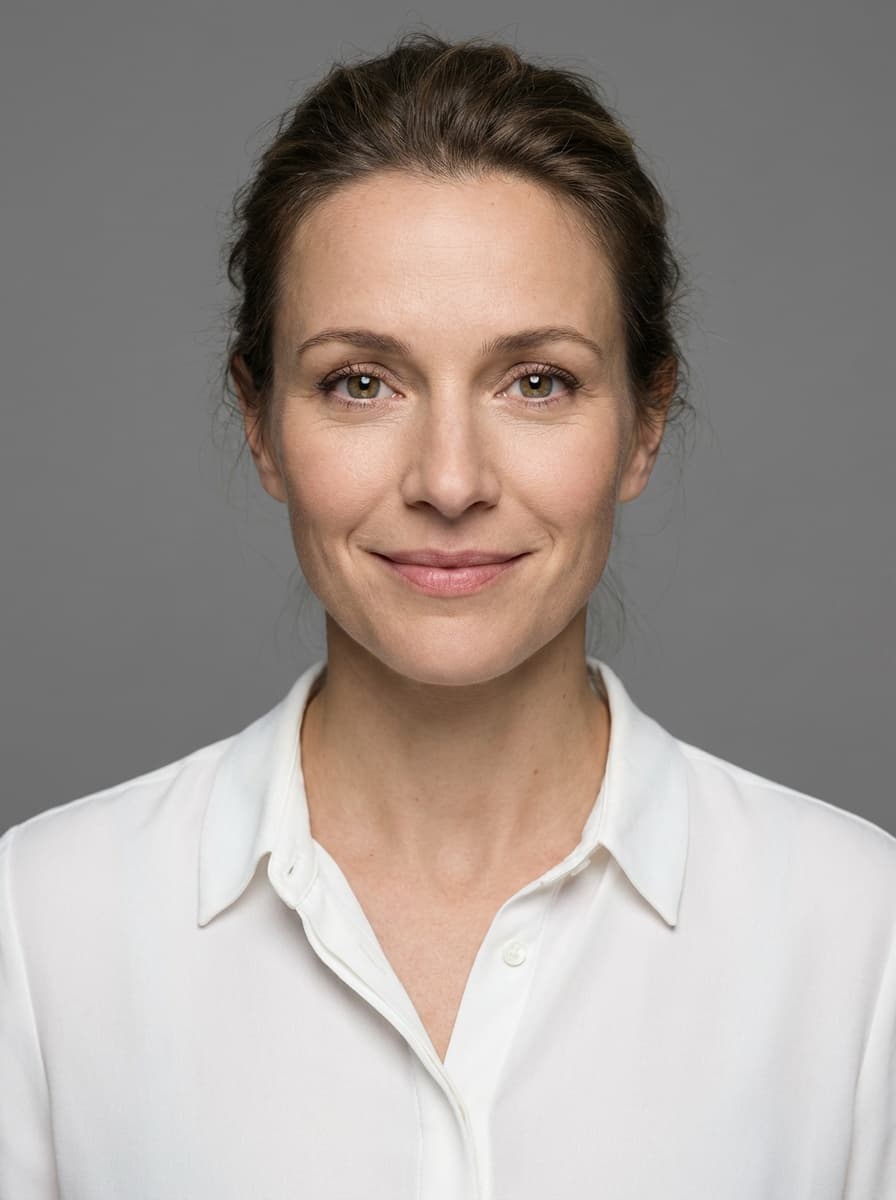
Grey Background Headshot
“Grey Background” style
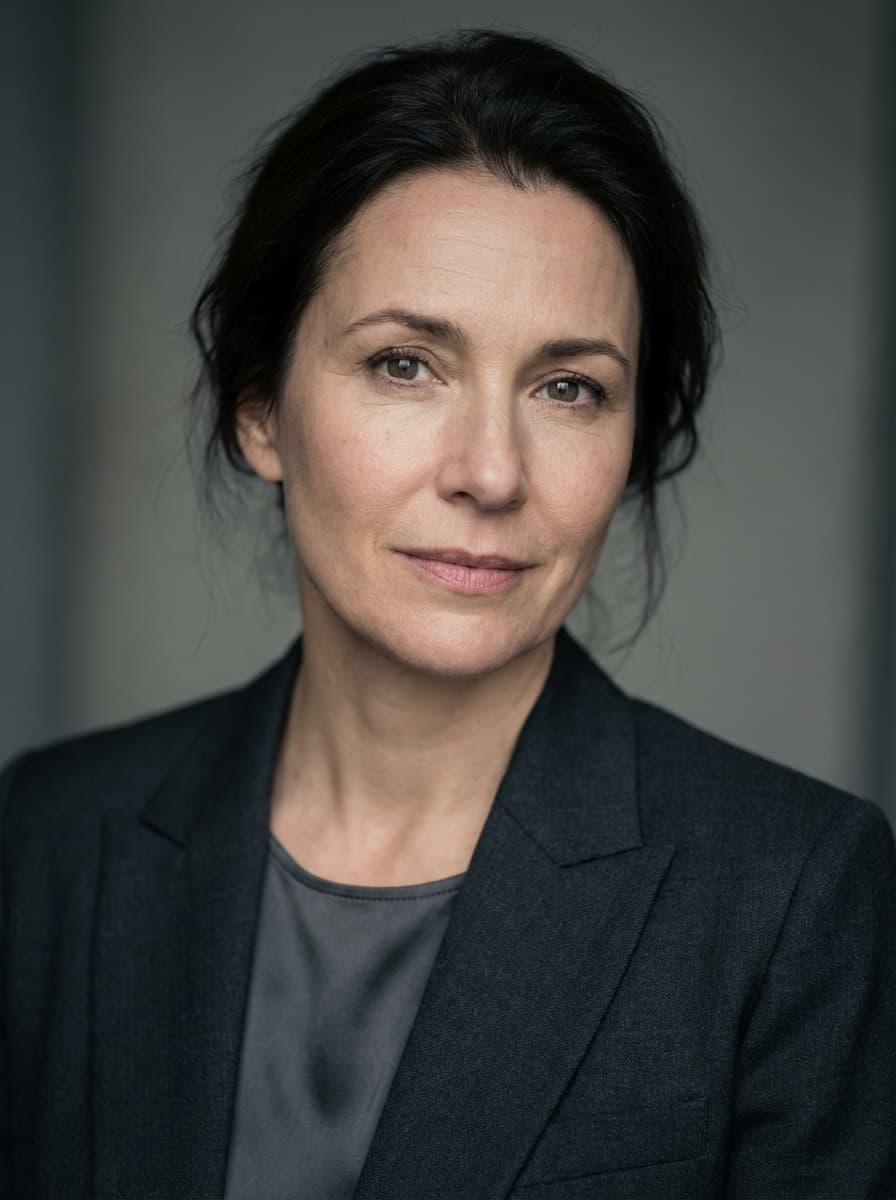
Soft Grey Headshot
“Soft Grey” style

Business Headshot
“Blue” style
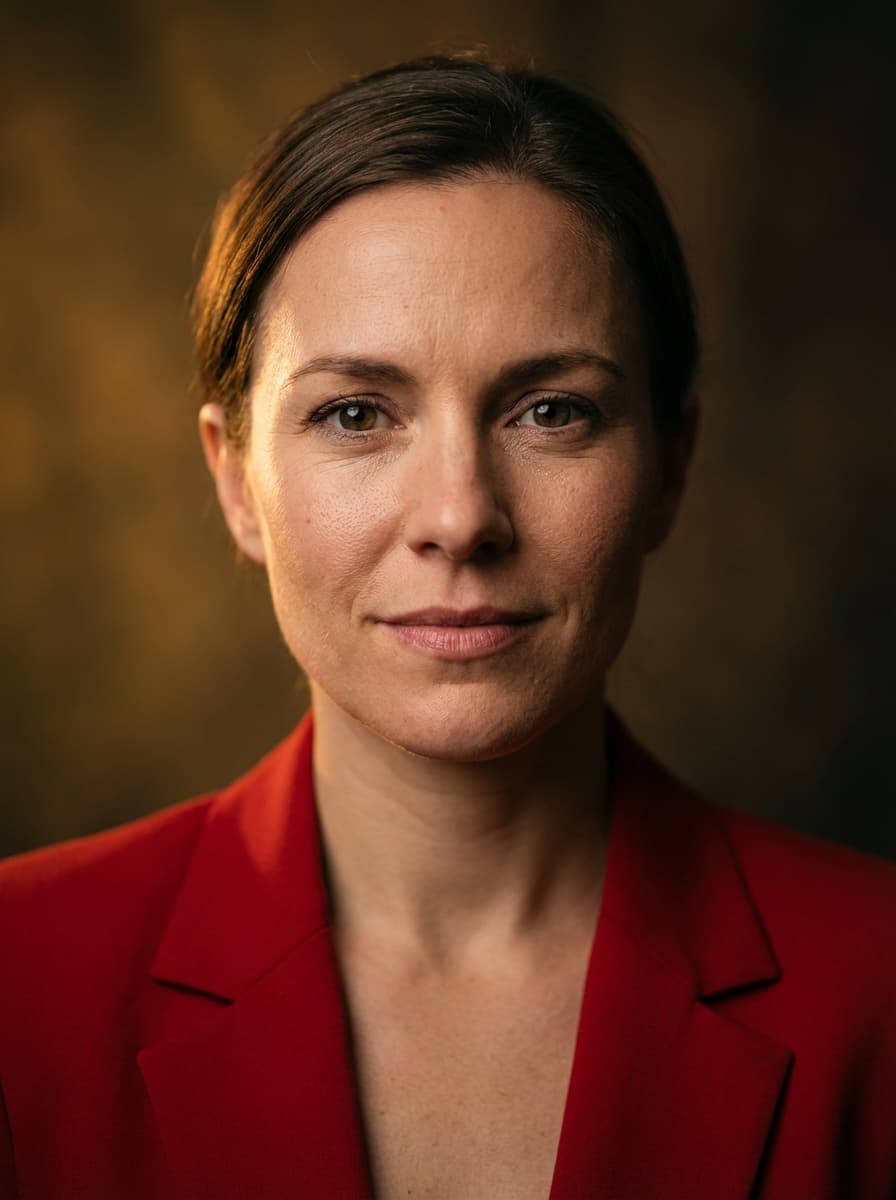
Red Blazer Headshot
“Bold” style

Ring Light Studio Headshot
“Beauty” style
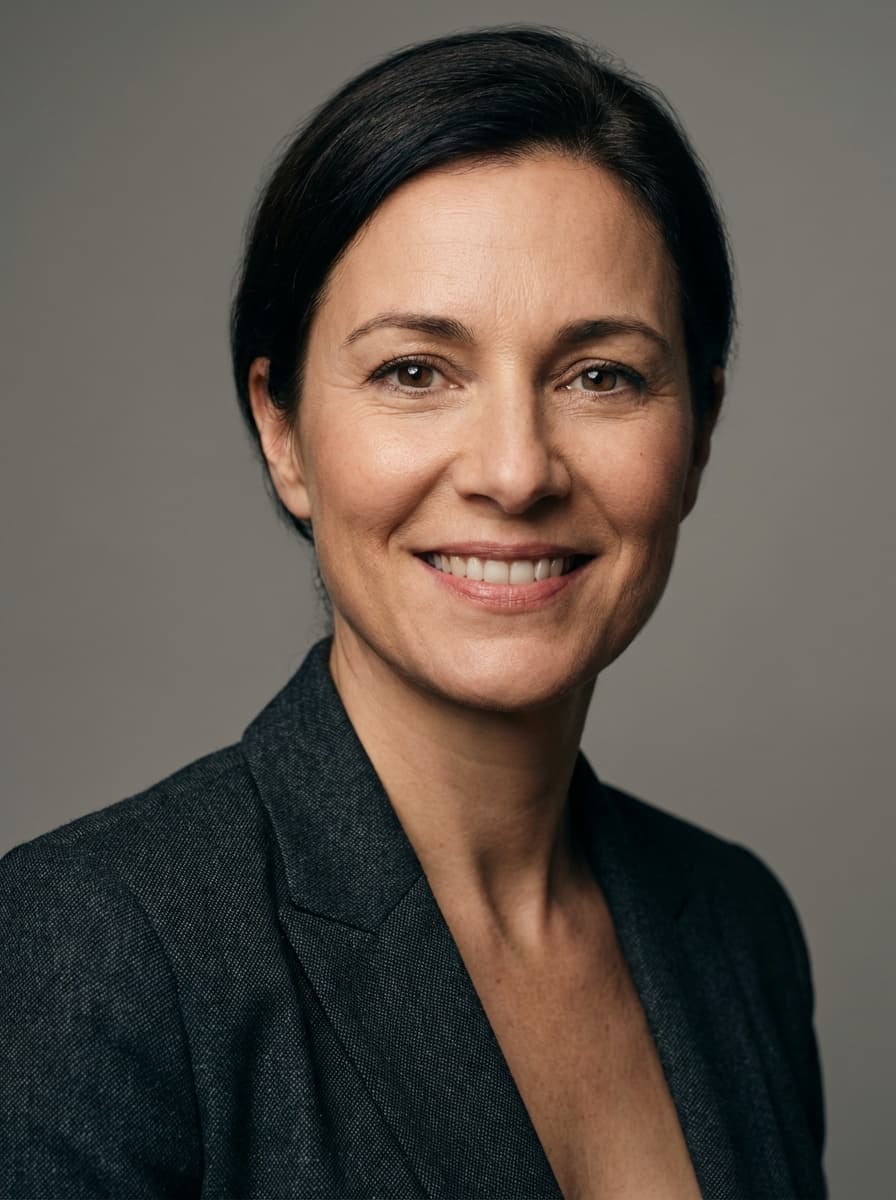
Charcoal Blazer Headshot
“Charcoal Suit” style
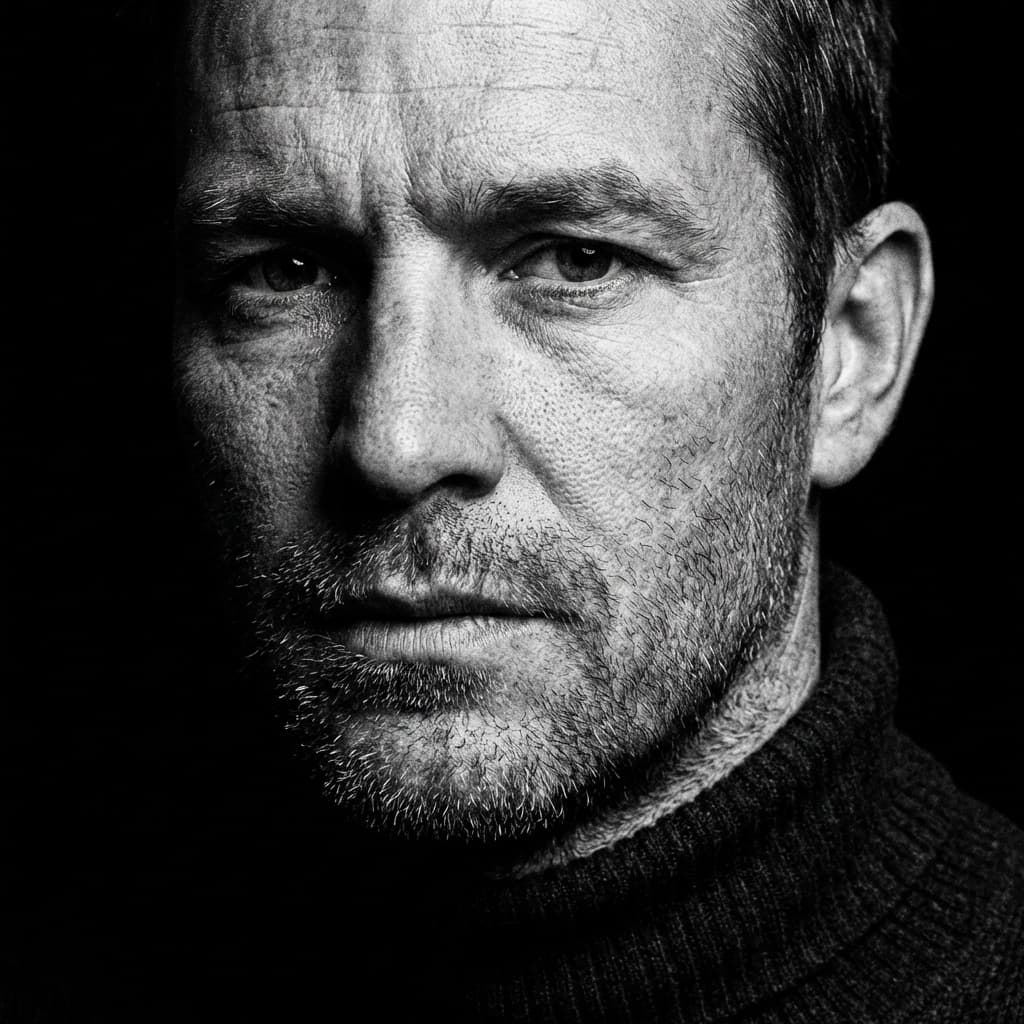
Also available for men
AI Black and White Headshot for Men
Get your black and white headshot in minutes
Three selfies in, studio-quality headshots out. Use HeyPhoto on your iPhone or right here in your browser.